
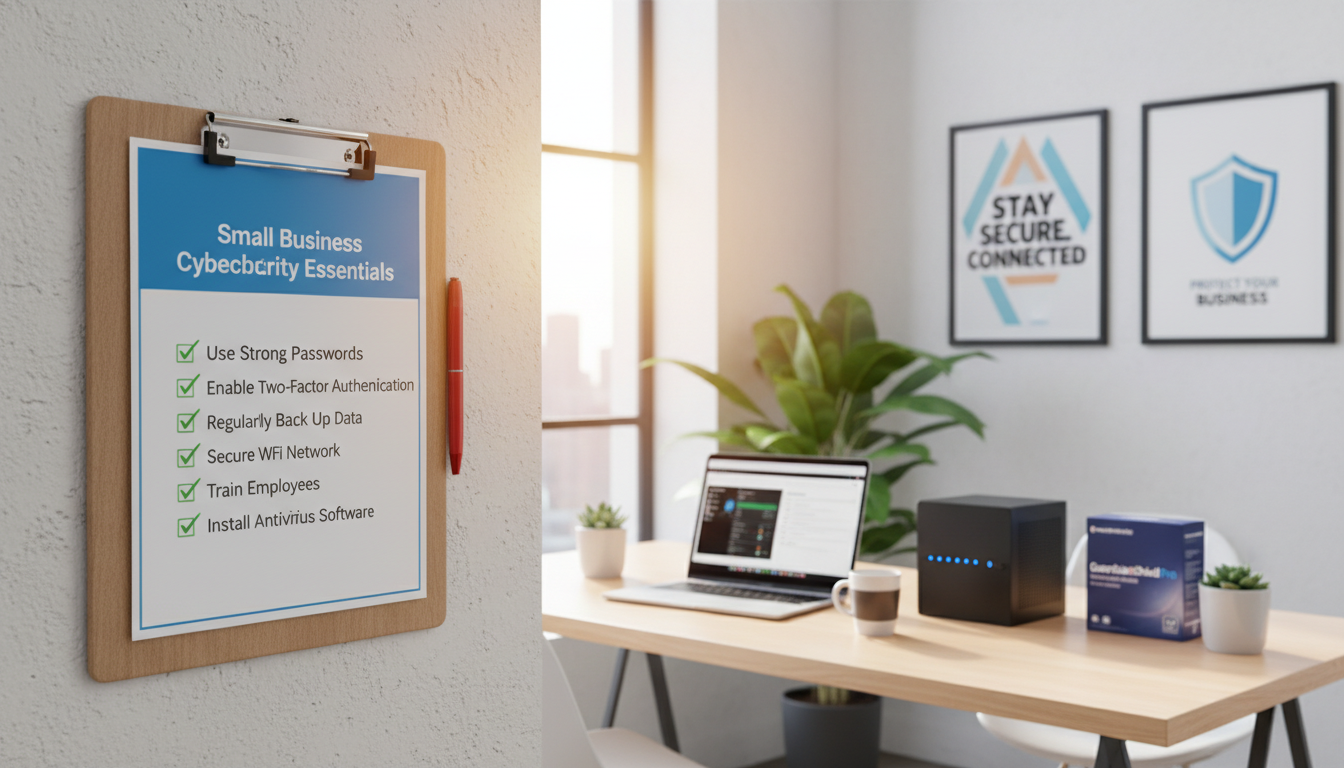
This guide is written for U.S. small businesses, lean IT teams, owners, office managers, and MSP-supported teams. It explains what it means to stay secure: reduce risk, cut downtime, and protect customer trust.
The format is practical. Expect quick wins first, then deeper controls you can add over time. Start where you are — even understaffed teams can make measurable progress.
We’ll walk through core categories: assess your environment, employee basics, layered defenses, hygiene, network and remote work, and incident response. Each section gives clear what to do bullets in plain language, not theory.
Common failure points targeted here include weak logins, missing MFA, unpatched software, exposed remote access, and untested backups. Treat this as ongoing operations — attacks evolve and often begin with everyday user actions.
Note: This guide is informational. The best outcome is measurable: fewer risky accounts, fewer unpatched devices, and faster detection and response.
Key Takeaways
- Designed for U.S. small businesses and lean IT teams.
- Quick wins first, then deeper controls you can add later.
- Focus areas: assessment, people, layered defenses, hygiene, network, and incident plans.
- Targets weak logins, missing MFA, out-of-date software, exposed access, and backup gaps.
- Ongoing operations beat one-time projects; measure progress.
- Each section offers simple, actionable steps in plain language.
Why small businesses need cybersecurity now
Attackers have shifted focus; today’s lean teams are often prime targets. Risk is no longer theoretical — it affects daily tools like email, invoicing, payroll, and customer systems.
Cyberattacks are rising and the impact can be outsized
In 2023, 41% of small businesses fell victim to an attack, up from 38% in 2022 and 22% in 2021. That trend shows threats are increasing, not slowing.
Attackers target smaller teams because controls are often weaker, patching is slower, and training is inconsistent. Verizon’s 2025 DBIR backs this: companies under 1,000 employees had 2,842 confirmed breaches versus 751 at large enterprises.
The real-world cost of a data breach for small businesses
The average cost of a data breach for a small business is about $3.31 million. That figure goes beyond fines — it includes recovery labor, lost sales, downtime, legal fees, and damage to reputation.
The goal isn’t perfection. It’s lowering likelihood and shrinking the blast radius so an incident is manageable, not business-ending. Most incidents trace back to a few repeatable patterns that the next section will address.
Common cybersecurity threats targeting small businesses today
Many incidents start with a simple email, but the paths to compromise are wider and smarter today.
Ransomware and modern malware
Ransomware combines file encryption with extortion. Attackers often steal copies of your data first, then lock systems and demand payment. This “double extortion” raises stakes and recovery costs.
Modern malware hides in attachments, drive-by downloads, and compromised updates. Some tools reuse trusted system utilities so they blend into normal activity.
Phishing, social engineering, and fake login pages
Phishing now includes SMS, phone calls, QR codes, and fake Microsoft or Google login pages. AI makes messages more convincing and increases the risk that users hand over credentials.
Credential stuffing, weak passwords, and missing MFA
Credential stuffing is when attackers try leaked username/password combos across services. When users reuse passwords, one leak can unlock many accounts.
Missing multifactor authentication lets a stolen password become immediate email takeover, invoice fraud, or payroll diversion.
Unpatched systems and security misconfigurations
Outdated software and misconfigured systems are easy entry points. Attackers scan the internet for known flaws and act quickly.
A single exposed service can lead to a larger breach if not patched or locked down.
Quick mitigations
- Harden identity: require MFA and unique passwords.
- Patch systems and apps promptly.
- Filter email and web traffic to reduce phishing and malware.
- Keep reliable, tested backups to limit extortion impact.
| Threat | How it works | Immediate action | Tool example |
|---|---|---|---|
| Ransomware | Encrypts files and steals data | Isolate infected hosts; restore from backups | EDR + offline backups |
| Phishing | Fake messages or login pages to capture credentials | Block malicious links; run user training | Email filtering |
| Credential stuffing | Reuse of leaked passwords across services | Enforce MFA and unique passwords | Password manager |
| Unpatched systems | Known vulnerabilities exposed to the internet | Prioritize and deploy patches quickly | Patch management |
Cybersecurity checklist for small business: assess your environment first
Start by mapping what you actually own and where critical data lives. Understand your systems, devices, applications, vendors, and the data they hold before changing settings or buying tools.
Where to begin:
- Export device lists from MDM or RMM and pull app inventories from SSO, Google Workspace, or Microsoft 365.
- Document who owns each device and account. Include servers, laptops, mobiles, routers, and remote-access tools.
- Map highest-value data — customer PII, payment records, payroll, contracts, and IP — to endpoints, file shares, cloud drives, CRM, and email.
Vet vendors and cloud services: who has access, what data they store, do they require MFA, and can you revoke access quickly.
Assume a breach is possible. Attackers move fast (average breakout time was 62 minutes in 2023). Faster detection and response reduce impact.
Early compromise indicators to watch:
- Unexpected admin accounts or cleared security logs.
- Unauthorized changes to security software.
- Unusual domain lookups or spikes in outbound connections.
| Asset | Where to find it | Risk |
|---|---|---|
| Endpoints (laptops, phones) | MDM/RMM reports | Credential theft, malware |
| SaaS apps (email, accounting) | SSO/tenant admin consoles | Data exposure, account takeover |
| Vendors & cloud services | Contracts, access lists | Third-party data access |
Employee security basics that prevent breaches
Human actions drive a large share of breaches, but clear routines cut exposure. The human element caused about 68% of incidents (Nov 2022–Oct 2023). The goal is better defaults and simple habits, not blame.

Security awareness training and phishing simulations
Run a light training program: onboarding baseline, short quarterly refreshers, and role-based modules for finance, HR, and IT admins. About 72% of organizations are expanding training—follow that trend.
Use friendly phishing simulations to measure clicks and reports. Coach users after mistakes, and train on fake login pages and invoice redirection scams.
Password rules employees can actually follow
Require a password manager and unique credentials for work accounts. Encourage long passphrases over complex resets. Pair MFA with a manager—this beats frequent forced resets for most teams.
Simple policies for onboarding, offboarding, and role changes
- Remove access immediately on termination.
- Review and update permissions when roles change.
- Rotate shared credentials and audit admin users regularly.
Don’t forget physical hygiene: lock screens, secure laptops, and shred sensitive paper. Improper document disposal caused about 14% of physical-data breaches—it’s real and avoidable.
Layered security defenses to reduce attacks
Think of defenses as overlapping nets: if one layer misses a threat, another can catch it. Layered protection combines firewall, patch management, endpoint tools, web and email filtering, and multifactor access controls.
Make multifactor authentication mandatory
Roll out MFA in stages: start with email, then admin panels, payroll and banking, VPN/remote access, then all other SaaS. Microsoft says MFA blocks 99.9% of account attacks—use app-based authenticators and phishing-resistant options like number matching or FIDO keys for admins.
Least privilege and role-based access
Limit rights by role. Example: finance can approve payments but not manage user accounts. Sales get CRM access but not HR files. Review and remove unused permissions often.
Endpoint protection beyond antivirus
Antivirus is not enough. Managed EDR detects suspicious behavior, lateral movement, and persistence. This matters most when users work remotely or move between networks.
Email and web filtering
Filter email and web traffic to block bad domains, scan attachments, and rewrite links. Good filtering reduces drive-by downloads and credential-harvesting pages.
Don’t forget admin accounts: keep privileged accounts separate, tightly controlled, and monitored to limit the fastest path to total compromise. For practical rollout advice, see this deployment guide.
IT security hygiene that stops preventable data breaches
Routine upkeep of systems and backups cuts risk and speeds recovery when an incident happens.
Patch management for operating systems, software, and firmware
Patching is one of the highest-ROI actions. Fifty-seven percent of victims reported a breach due to a known but unpatched vulnerability.
Set a simple cadence: critical fixes within 48–72 hours, standard updates weekly, and firmware quarterly. Cover operating systems, browsers, office suites, VPN clients, CMS plugins, router and firewall firmware, and any line-of-business software.
Avoid blind spots: keep an inventory. If a device or app is not listed, it will not be patched.
Backups that are automated, encrypted, and regularly tested
Backups reduce ransomware impact by enabling recovery without paying an extortion demand.
- Automate backups and run them on a regular or continuous schedule.
- Keep encrypted copies at rest and in transit.
- Store immutable or offline copies when possible and limit who can delete backups.
- Test restores with tabletop drills and full restores so backups are proven, not assumed.
“A backup that was never restored is only a hope, not a recovery tool.”
| Control | What to do | Cadence | Why it matters |
|---|---|---|---|
| Patching | Inventory-driven updates covering OS, apps, firmware | Critical 48–72 hrs; weekly standard; quarterly firmware | Stops exploits that cause many data breaches |
| Backups | Automated, encrypted, immutable/offline copies | Continuous or daily; test restores quarterly | Enables recovery after a breach or ransomware |
| Access control | Limit backup admin rights and use MFA | Review monthly | Prevents attackers from deleting protection |
Next step: even with strong hygiene, network and remote access gaps can reopen the door. Treat perimeter controls as the next layer to secure remote systems and keep data in place.
Secure your network, Wi-Fi, and remote work devices
A well-configured network keeps day-to-day operations online and limits the reach of a single compromise. Start with practical, repeatable steps that protect routers, Wi‑Fi, and remote devices.
Lock down routers, firewalls, and guest Wi‑Fi with modern encryption
Hardening checklist: change default admin passwords, disable remote admin from the internet, update firmware, and enable strong admin authentication.
Use WPA3 where possible; if not available, use WPA2-AES. Isolate guest Wi‑Fi so visitors cannot reach internal systems. A separate SSID with client isolation stops one infected phone from touching business resources.
Protect remote access and reduce exposed services
Internet-exposed RDP is a common entry point for brute force attacks. Remove public RDP where you can.
Safer options: place remote desktop behind a VPN with MFA, limit source IPs, use a jump box, or adopt ZTNA so users get app-level access instead of broad network access.
Manage BYOD and mobile devices
Define allowed apps, require screen locks and encryption, and enable remote wipe. Prefer MDM so device management and data separation are enforced.
Operational note: document remote access tools, RMM agents, and admin accounts. Monitor and log them—attackers often misuse legitimate remote tools to persist.
Incident response plan essentials for small business cybersecurity
A short, written playbook saves time when an attack hits. Use the NIST incident response lifecycle as a simple backbone and map each phase to who does what in your team.
Preparation means naming an incident lead, an IT or managed-provider contact, a communications point, legal counsel, and an executive decision-maker. Keep contact details and escalation steps in one place.
Detect, contain, and act fast
Detection & analysis: enable centralized logging and alerts so you spot odd activity quickly. Remember: average breakout time was 62 minutes in 2023, so speed matters.
Containment steps should be short and repeatable. Isolate affected machines, disable compromised accounts, reset sessions or tokens, and block known malicious domains. Preserve logs and images as evidence.
Recovery and avoiding repeat incidents
Recover from tested backups and verify integrity before re-enabling services. Bring systems back in a controlled order and increase monitoring to spot reinfection.
Post-incident: perform a root-cause review, patch or change the exploited configuration, enforce MFA if missing, update training, and enhance logging so future incidents are caught sooner.
| Phase | Key actions | Who | Why it matters |
|---|---|---|---|
| Preparation | Document contacts, run tabletop drills, enable logging | Incident lead, IT, exec | Reduces confusion under pressure |
| Detection & Analysis | Alert review, triage, preserve evidence | IT/managed provider, incident lead | Fast detection limits data loss |
| Containment & Recovery | Isolate devices, disable accounts, restore from backups | IT, incident lead, communications | Stops spread and restores operations |
| Post-Incident | Root-cause, patch, update plan, train staff | All stakeholders | Prevents repeat breaches |
Conclusion
Finish strong: prioritize a few high-impact actions and track progress over time.
Big wins are clear: inventory and data mapping, employee readiness, MFA everywhere, least privilege, modern endpoint protection, prompt patching, and tested backups. These steps cut risk and improve uptime.
A living cybersecurity plan beats a binder on a shelf. Review quarterly and after major changes like new software or vendors. Start small — enable MFA on email, fix critical patches, and verify backups — then expand.
Measure simple outcomes: MFA coverage %, patch compliance %, backup success and restore tests, and training completion rates. Progress reduces phishing, shrinks breach impact, speeds recovery, and builds customer trust.
Keep going: each control stacks with others, so steady work gives real protection and business resilience.